How to turn product photos into a promotional video
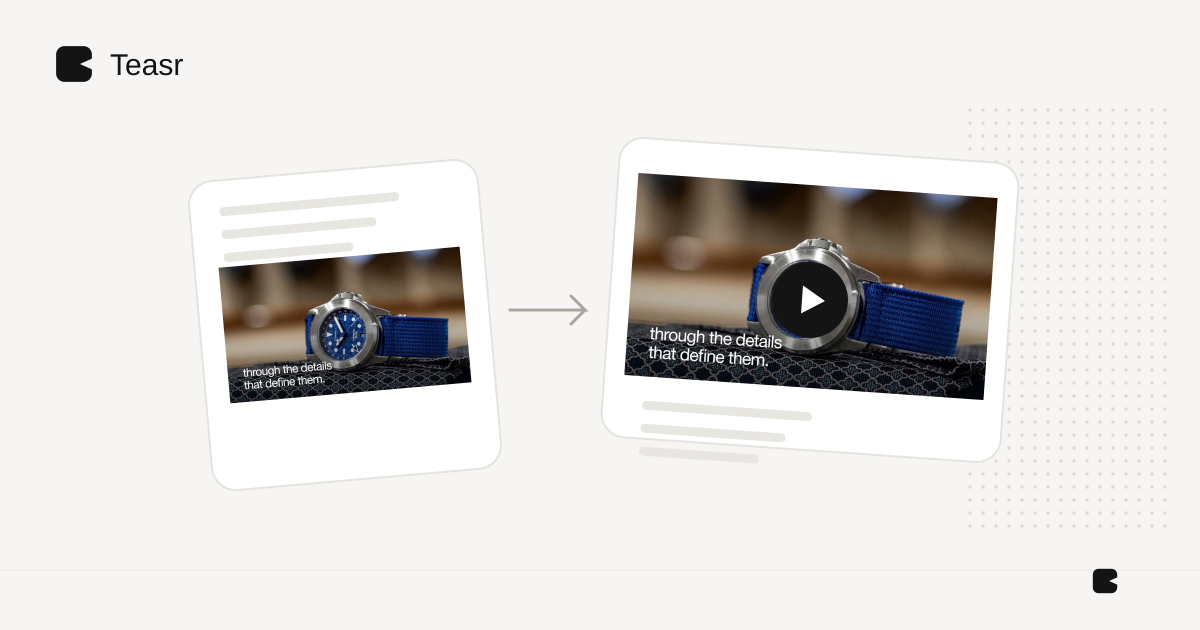
You can make a useful product promo from still photos by changing framing, timing and text around the real images. You do not have to generate a moving version of the object itself. Start with one product, one benefit and enough visual evidence to support that benefit.
This is a workflow for existing photography. If you need to demonstrate a hinge, fit, mechanism or assembly process, real footage may be the better input.
Select photos that answer different questions
Choose an overall view, a useful detail and a context image. Three similar front views rarely add as much information as three views with separate purposes. Keep the exact finish and variant consistent.
Shopify's media guidance states: “Product media can include images, 3D models, and videos.” Those formats can complement each other; a video does not need to replace the photos someone uses to inspect the item. Shopify product media.
Write the message before adding motion
Complete this sentence: “This is a product for someone who wants ___, and the visible reason is ___.” Use the photo to support the claim. If the image does not prove the feature, either obtain another asset or choose a different message.
Avoid inventing durability, dimensions or material claims. Pull factual details from the approved product specification. One accurate benefit is more useful than several vague superlatives.
An illustrative 20-second plan
The timings below are a starting storyboard, not a measured ideal length.
| Time | Image | Text or purpose |
|---|---|---|
| 0–4 seconds | Full product | Identify what it is |
| 4–9 seconds | Detail crop | Explain one useful feature |
| 9–15 seconds | Context photo | Show how it belongs in someone's space or routine |
| 15–20 seconds | Clean product or brand frame | Product name and one next step |
Move the framing gently when it helps a viewer inspect the detail. Keep the product's proportions intact. Give words enough time to be read on a phone. A dramatic zoom that cuts off the feature defeats the purpose of the scene.
Choose an assembly route
You can build the sequence in an editor. CapCut documents a product-template workflow with text and music; other editors also support photo-based layouts. CapCut workflow.
If the approved photos and copy already live on a public product page, Teasr is a straightforward choice for a branded motion promo without manually assembling the images and titles. Supply that page and any notes specifying the exact item and focus, then review the video. It does not offer a general upload-and-edit timeline.
Review before posting
Compare each scene with the source photo. Check labels, colours, cropping and text. If music is present, confirm the right to use it in your chosen placement. Watch the finished export on a phone both with and without sound.
For an item whose physical details matter, use the product-accuracy checklist. Furniture needs some additional framing decisions, covered in furniture videos without a shoot.