How to keep AI product videos accurate: shape, colour and logo
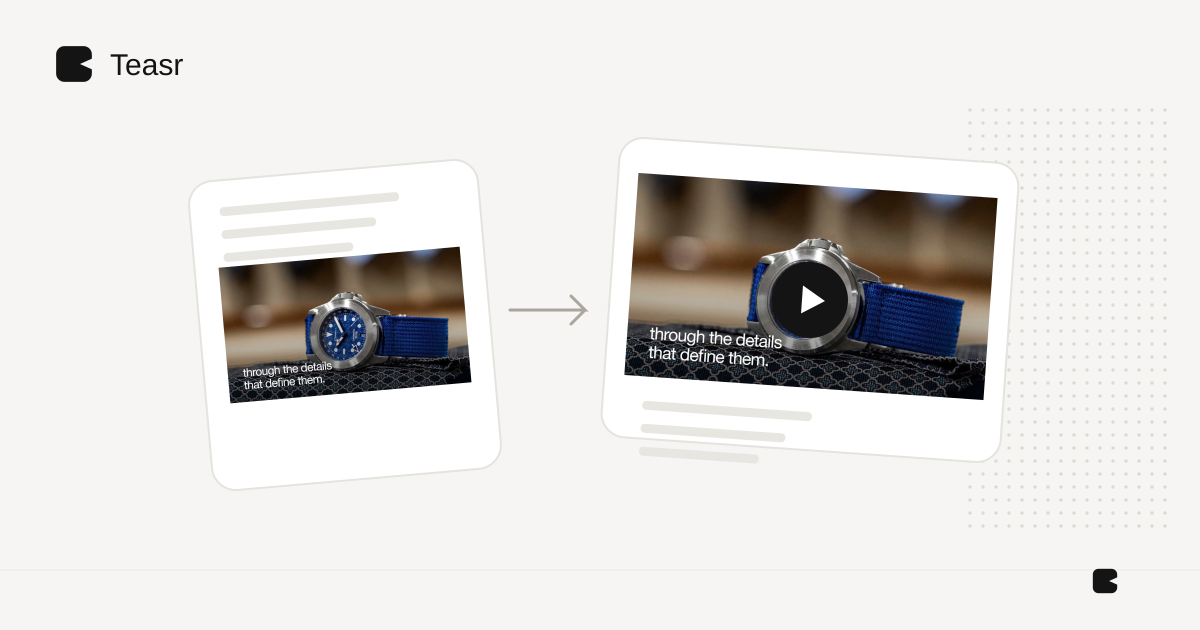
When product accuracy is essential, preserve the actual product image and animate the layout around it. Generating a fresh interpretation of the object can introduce details you did not ask for. A realistic result is not necessarily an accurate representation of the item for sale.
Use generation selectively where it serves the brief. Treat the product's silhouette, finish, branding and included parts as things to verify, rather than details a plausible-looking output can settle for you.
The complaint is concrete
In a discussion about converting product photos to videos, the original poster describes “changes of product or colour or logo.” The comment is an individual's reported problem, not a failure-rate study of AI tools. It nevertheless identifies a useful review checklist. Original discussion and follow-ups.
Separate the product from the surrounding creative
Put the exact approved product asset on one side of the brief. Put backgrounds, titles, transitions and decorative elements on the other. Make it clear which elements may change.
For example: “Use this photograph of the blue lamp unchanged. You may crop the background and move the frame. Do not redesign the shade, add another switch or change the cord.” That is a production constraint, not a guarantee that any particular tool will obey it. Inspect the result.
Use a scene-by-scene acceptance checklist
| Detail | What to compare |
|---|---|
| Shape | Corners, openings, legs, handles and proportions |
| Colour | The approved variant and a sensible reference image |
| Branding | Exact spelling, symbol and label placement |
| Material | Texture, finish and transparency |
| Parts | What is included, attached or optional |
| Function | Whether the shown action is supported by real evidence |
Do not ask a text prompt to settle colour-critical purchase decisions. Keep approved photography and specifications accessible alongside the video. Product-media formats can serve complementary purposes on a product page. Shopify media guidance.
Be especially careful with invented action
A chair rotating in space may reveal a back the model has never seen. A cabinet opening may invent its interior. A software screen may display text that is not in the actual application. If the action is central to the claim, use a real capture or verified source material.
You can still create movement with a static image: framing, a detail crop, an explanatory title or a sequence of genuine views. Keep the product evidence stable while using motion to guide attention.
What to check in the finished file
Watch at normal speed, then inspect transitions and close-ups. Confirm that revisions did not introduce a different variant. Keep a list of rejected claims and assets so they do not return in the next draft.
Teasr is a useful choice when your approved product assets and claims already live on a public website: the page provides the starting material for a branded motion promo without manual timeline assembly. Its output still needs the same factual and visual review. For a complete still-image workflow, see product photos to video. For tool selection, see AI ecommerce video tools.