How to turn a landscape product video into a vertical Reel
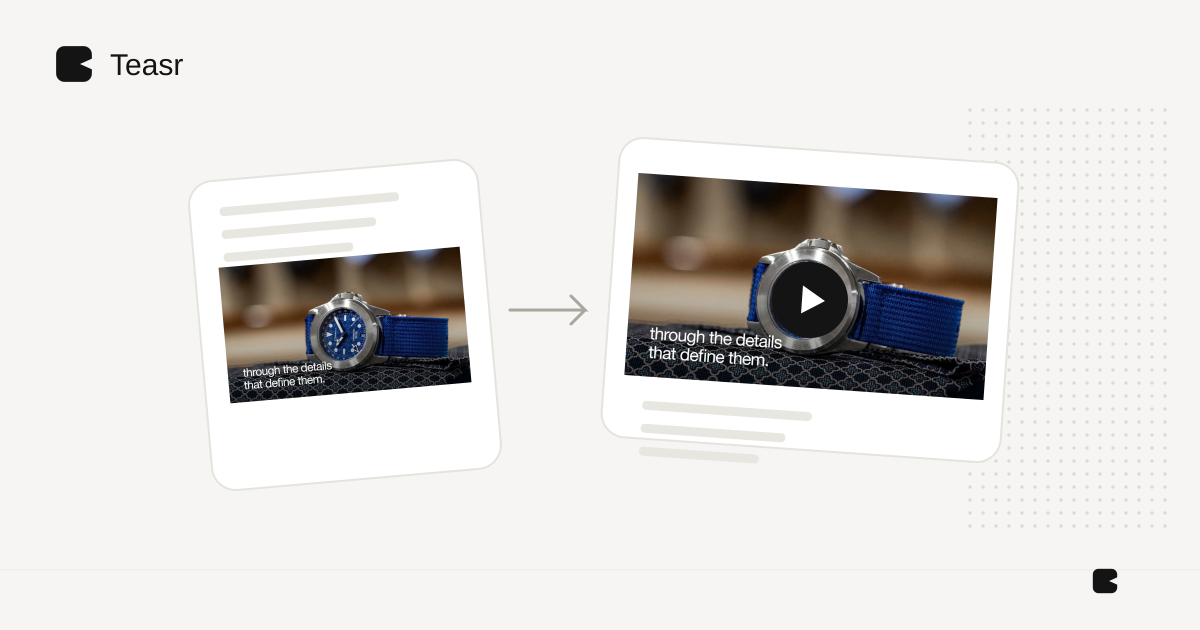
Crop a landscape video only when the important content fits the portrait frame. Otherwise, rearrange the layout or rebuild the scenes. Resizing the canvas alone does not make a wide composition work vertically.
This matters for product videos with titles beside an object, a wide software interface or furniture that fills most of the landscape frame. A centre crop can remove the very detail the video is supposed to explain.
Choose one of three approaches
| Approach | Use it when | Main risk |
|---|---|---|
| Crop | The subject is already centred with spare space | Losing text or product edges |
| Reframe | The important area changes through the shot | Abrupt movement or missing context |
| Rebuild | Product, text and decorative elements can be rearranged | More production work |
If you still have editable scenes, rebuilding can mean changing layout rather than recreating the concept. If you only have an MP4, your options depend on what the finished frames contain.
Design around the actual placement
Meta's Reels guidance emphasizes “key messages in the safe zone”. Use its current placement guidance and inspect the upload preview. Do not assume an old safe-zone template perfectly represents every interface.
Keep the product, primary message and final action away from overlays. Use a vertical preview throughout the edit instead of reviewing a tiny portrait frame inside a wide desktop player.
An example with a wide product
Suppose a landscape scene has a bed on the right and a headline on the left. A portrait crop cannot keep both at their original size. Instead, place the full product in a generous lower area and move the headline above it. Follow with a separate detail scene rather than forcing everything into the opening.
For a software interface, focus on one relevant panel and preserve the labels that establish context. If the content needs the whole wide dashboard, consider a deliberate framed layout instead of a crop that makes it look like a different interface.
Revisit timing as well as dimensions
Stacked text wraps differently. Product details may become smaller. The original timing can therefore be wrong even when no content is technically missing. Read every scene on a phone and give the closing action enough time to register.
Keep audio transitions aligned with scene changes. If there is narration, inspect captions after the layout changes so they do not cover the item or disappear beneath controls.
Teasr availability
Teasr's public offering currently treats general vertical availability as coming soon, with access enabled for selected accounts. Check current availability rather than assuming every account can request a vertical version. A guide to the workflow is not a promise that the feature is enabled for everyone.
For preparing the original material, see product photos to video and furniture-video framing.